Quick Filters Back to top
Quick filters let you narrow down which events and issues are displayed on your calendars and timelines. Filters use JQL conditions and can be shared with other users.
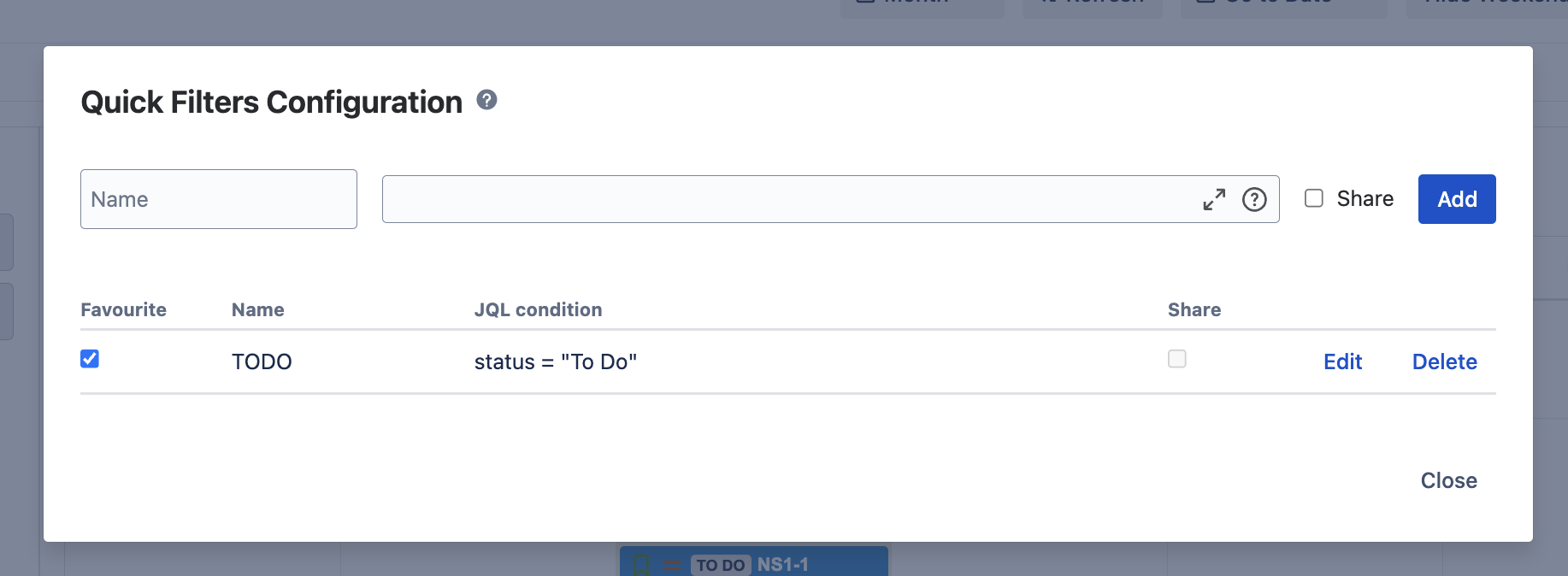
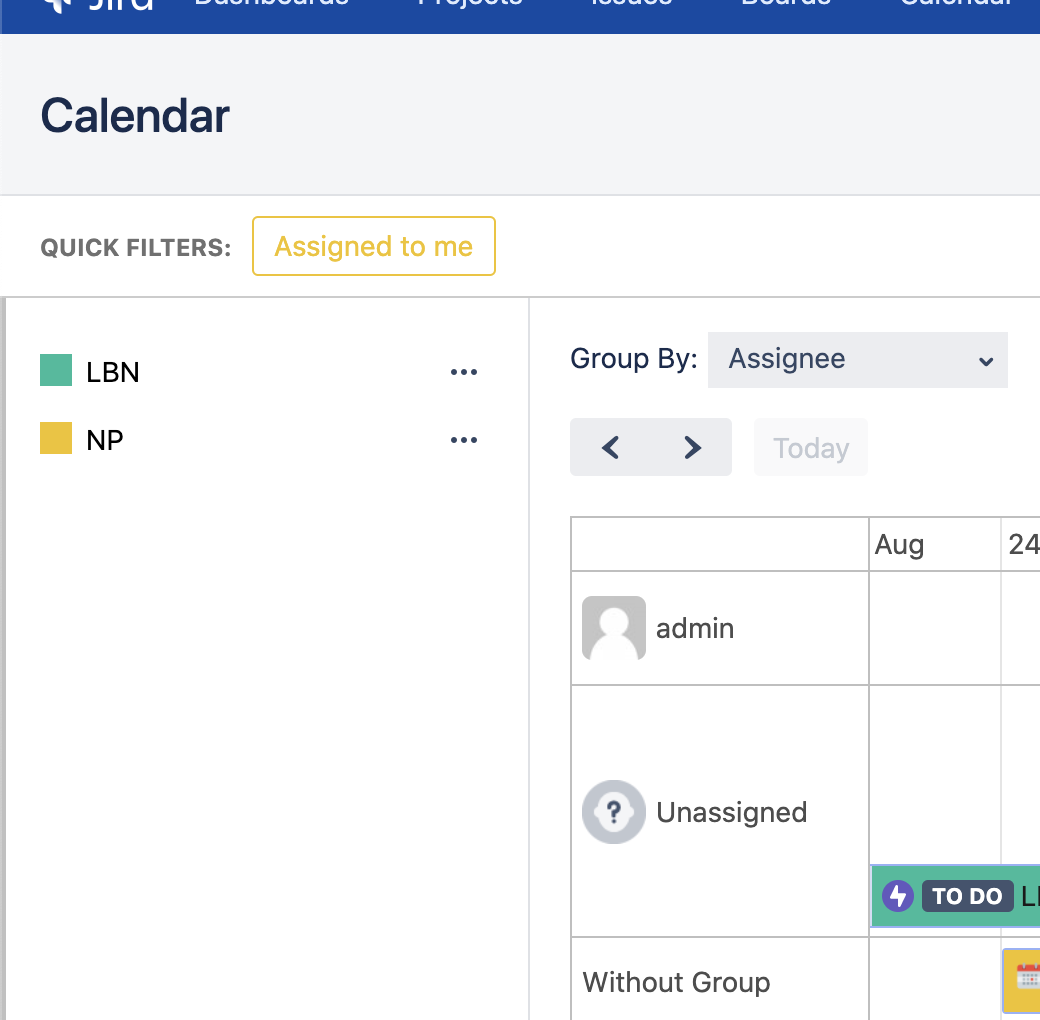
- Click the three dots next to the calendar or timeline name.
- Select "Configure quick filters" from the menu.
-
Enter required fields:
- Name: The name of the quick filter
- Condition: A JQL condition to filter events and issues
- Shared: Toggle to allow other users to use this filter
- Click Save to create the filter.
- Enable the filter by clicking the checkbox near the filter name.
- Click Close to exit the configuration.
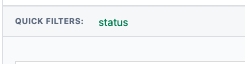
- Apply the quick filter by clicking on it in the view header.
How Filters Work
When multiple quick filters are active simultaneously, they combine with OR logic — issues matching any of the active filters are shown. Note that quick filters only affect Jira issues; custom events are always displayed regardless of filter settings. Each quick filter is scoped to the calendar or timeline where it was created.
Need Help?
If you have questions or need assistance, our support team is here to help.
Contact Support