Overview Back to top
A holiday calendar is a list of public holidays and company days off. Assign it to people or teams, and Timesheets for Jira treats those days as non-working: no hours are required in timesheets, and nobody can request leave on them.
Create a Calendar Back to top
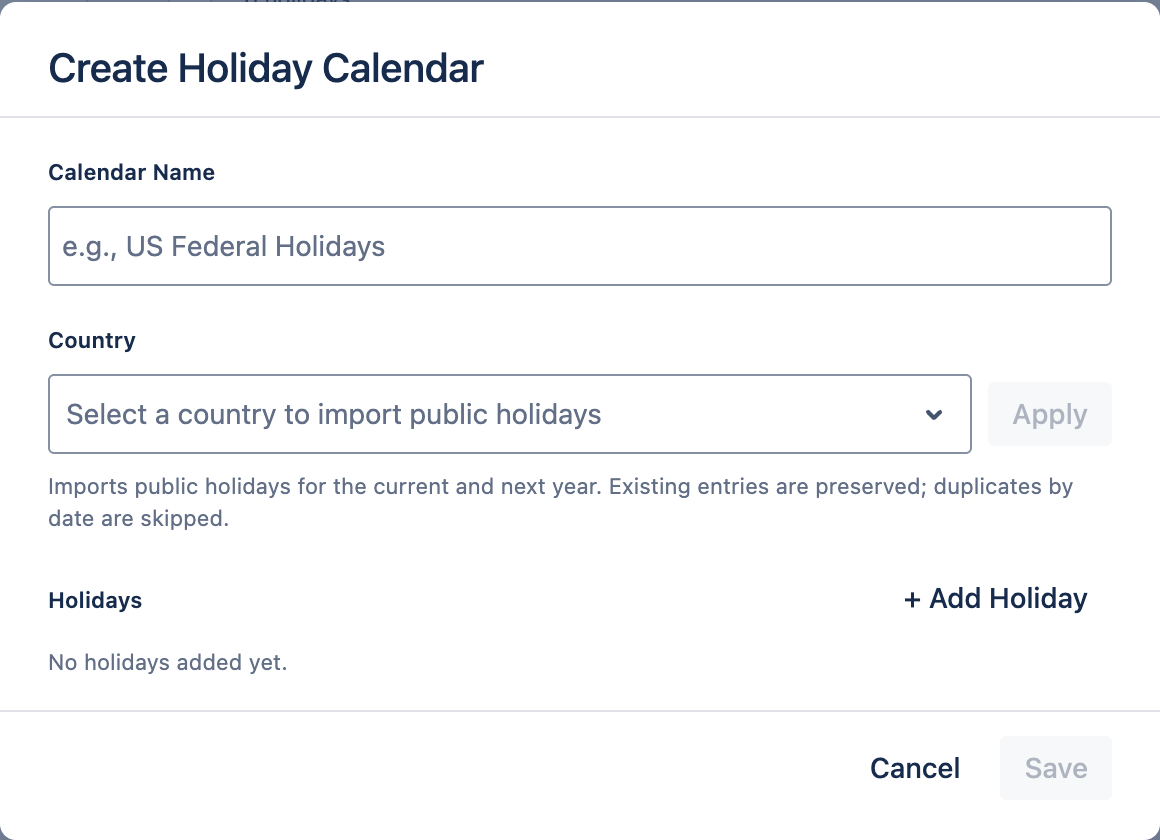
- Go to Settings → Holidays and click + Create New.
- Enter a Calendar Name, for example “Germany” or “Kyiv office”.
- Optional: choose a Country and click Apply. This imports that country's national public holidays for the current and next year. Dates already in the list are skipped.
- Click + Add Holiday to add your own days, such as regional holidays or a company day off. You can edit or remove any holiday in the list.
- Save.
Next year: once holidays are imported, the calendar keeps its country. Open the calendar
and click Apply again to add the following year's holidays.
Assign a Calendar Back to top
- In Calendar Assignments, click + Assign.
- Choose User or Team, and pick one or more.
- Choose the Holiday Calendar and click Save.
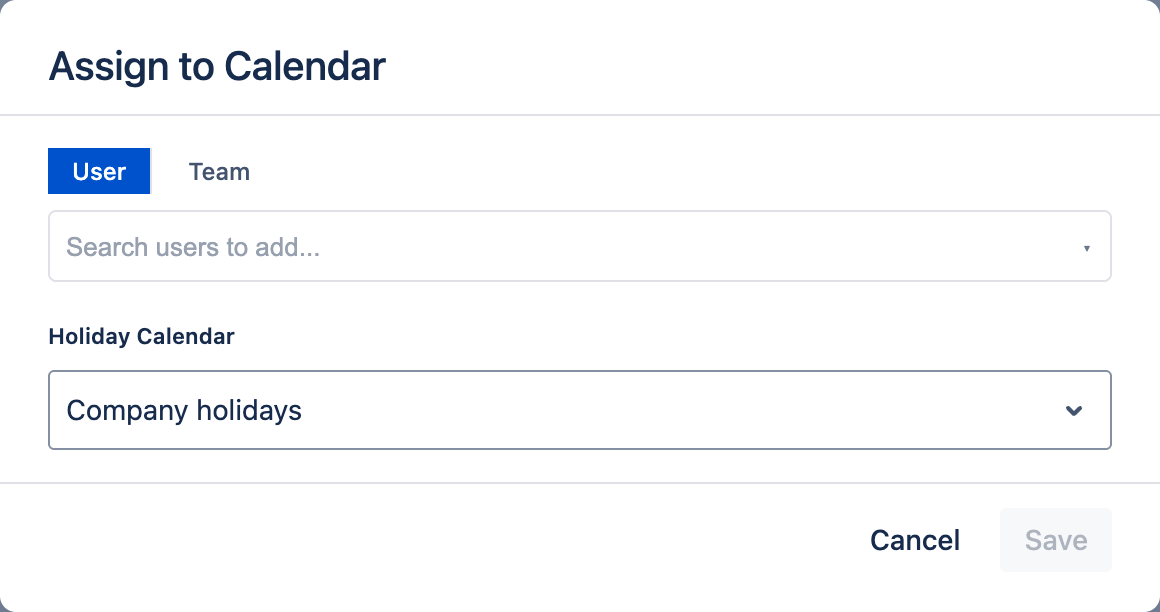
A person gets the holidays from their own calendar and from their team's calendar.
Click Set as Default on a calendar to give it to everyone without an assignment. Unset Default removes that.
What Holidays Do Back to top
- Timesheets — no hours are required on a holiday.
- Leave calendars — holidays are striped on My leave and on the Team calendar. Click one to see its name.
- Leave requests — nobody can request leave on a holiday, and holidays are not counted as leave days.
Need Help?
If you have questions or need assistance with holiday calendars, our support team is here to help.
Contact Support