Overview Back to top
A team is a named group of Jira users. A person can belong to several teams. Teams are used to:
- Filter Timesheets and the approval list to one group.
- Filter the team calendar under Leave. Teammates see each other's leave there.
- Scope and group reports by team.
- Assign a capacity scheme or holiday calendar to many people at once.
Only App Admins can create, edit and delete teams.
Create a Team Back to top
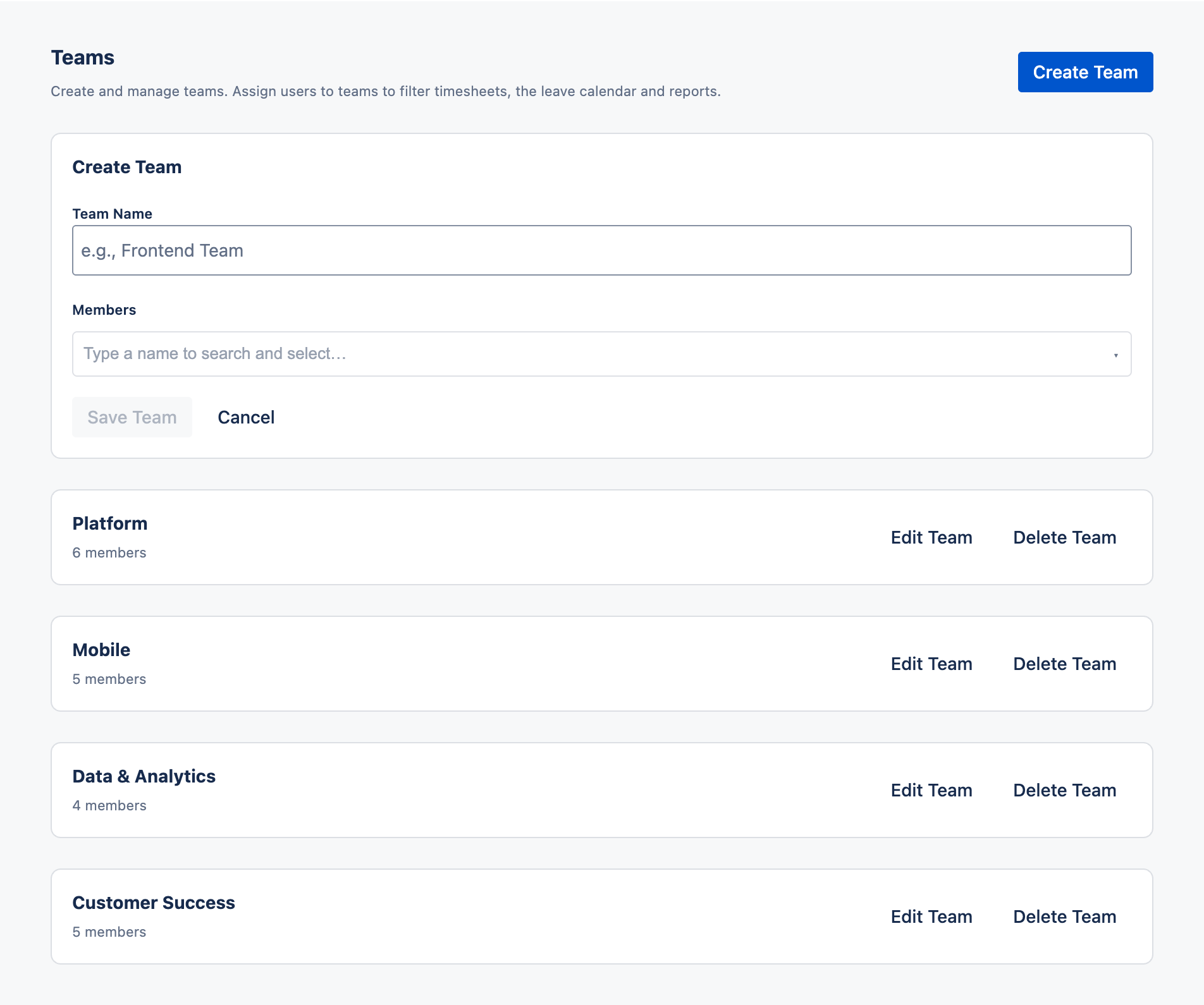
- Go to Settings › Teams.
- Click Create Team.
- Enter a team name, for example "Support".
- In the member field (Type a name to search and select…), search for people and select them. Each member appears as a chip; click × on a chip to remove it.
- Click Save Team.
Edit or Delete a Team Back to top
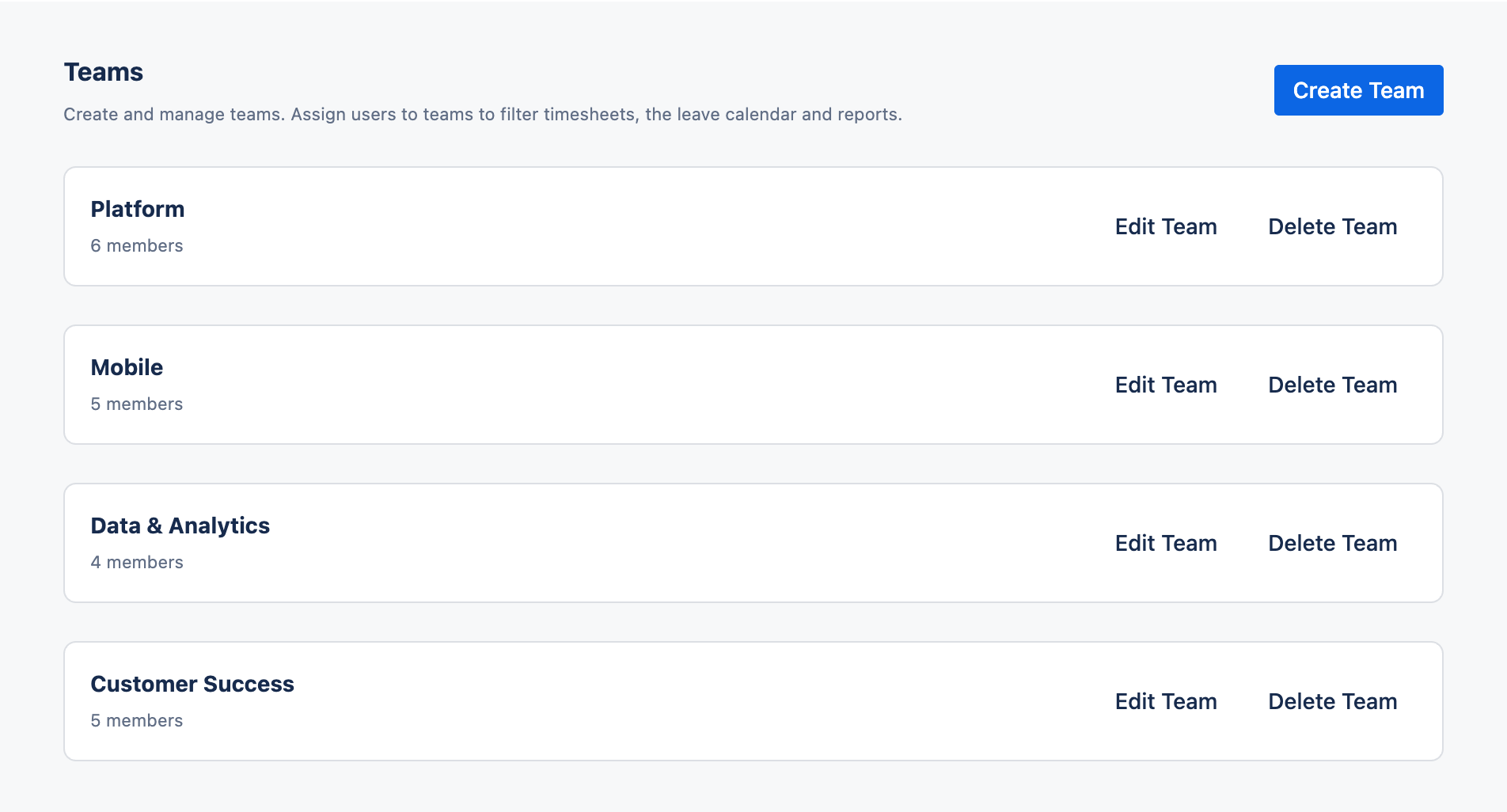
The Teams tab lists every team with its members.
- Edit — rename the team or add and remove members.
- Delete — removes the team only. People's worklogs, timesheets and leave are not affected.
Give a Team an Approver Back to top
A team gives no approval rights by itself. To let someone approve leave and timesheets for a team's members, make them its Team Manager in Settings › Permissions › Team Managers. See Who approves.
Setup order
Create teams first. Then assign Team Managers, then capacity schemes and holiday calendars — each of these can target a whole team.
Need Help?
If you have questions or need assistance with Timesheets for Jira, our support team is here to help.
Contact Support