Overview Back to top
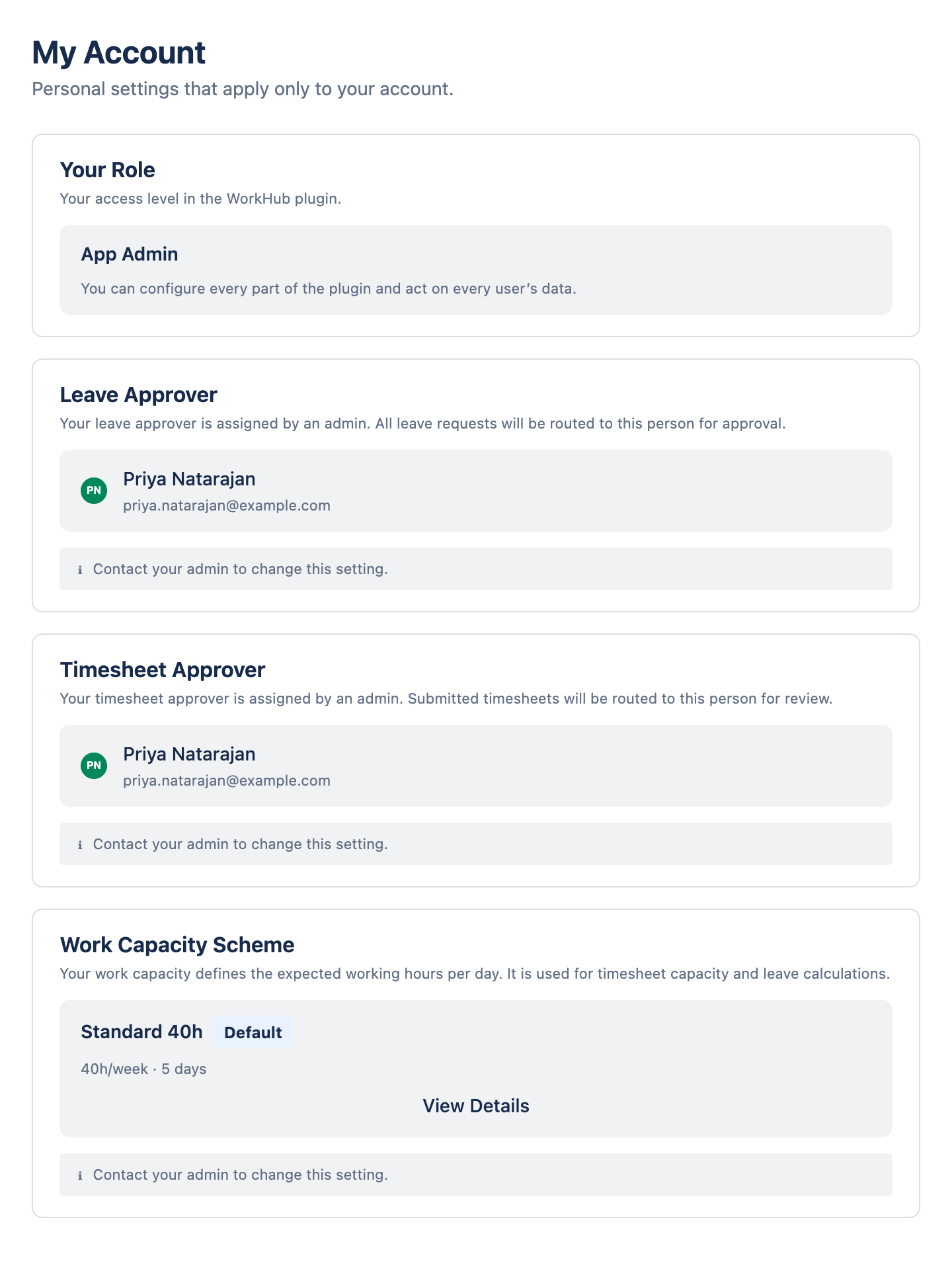
My Account shows how the app is set up for you. You can't change anything here. If something looks wrong, ask one of the app admins listed on this page.
What Each Card Means Back to top
| Card | What it shows | If it's wrong |
|---|---|---|
| Your Role | App Admin, Organization Manager, Organization Viewer, Team Manager or Member. A Read Only badge means you can view but not edit. Team Managers also see the teams they manage. | Ask an app admin. |
| Leave Approver | Who approves your leave requests. Shown only when leave approval is on. If no one is assigned, your requests are approved automatically. | Ask an app admin if that's not intended. |
| Timesheet Approver | Who approves your timesheets. Shown only when timesheet approval is on. You can't submit a timesheet without one. | Ask an app admin to assign one. |
| App Administrators | The people who set up the app. | Contact them when something is wrong. |
| Work Capacity Scheme | Your work schedule: the hours you're expected to log each day. Click View Details to see each day. | Ask an app admin. |