What is Jira capacity planning?
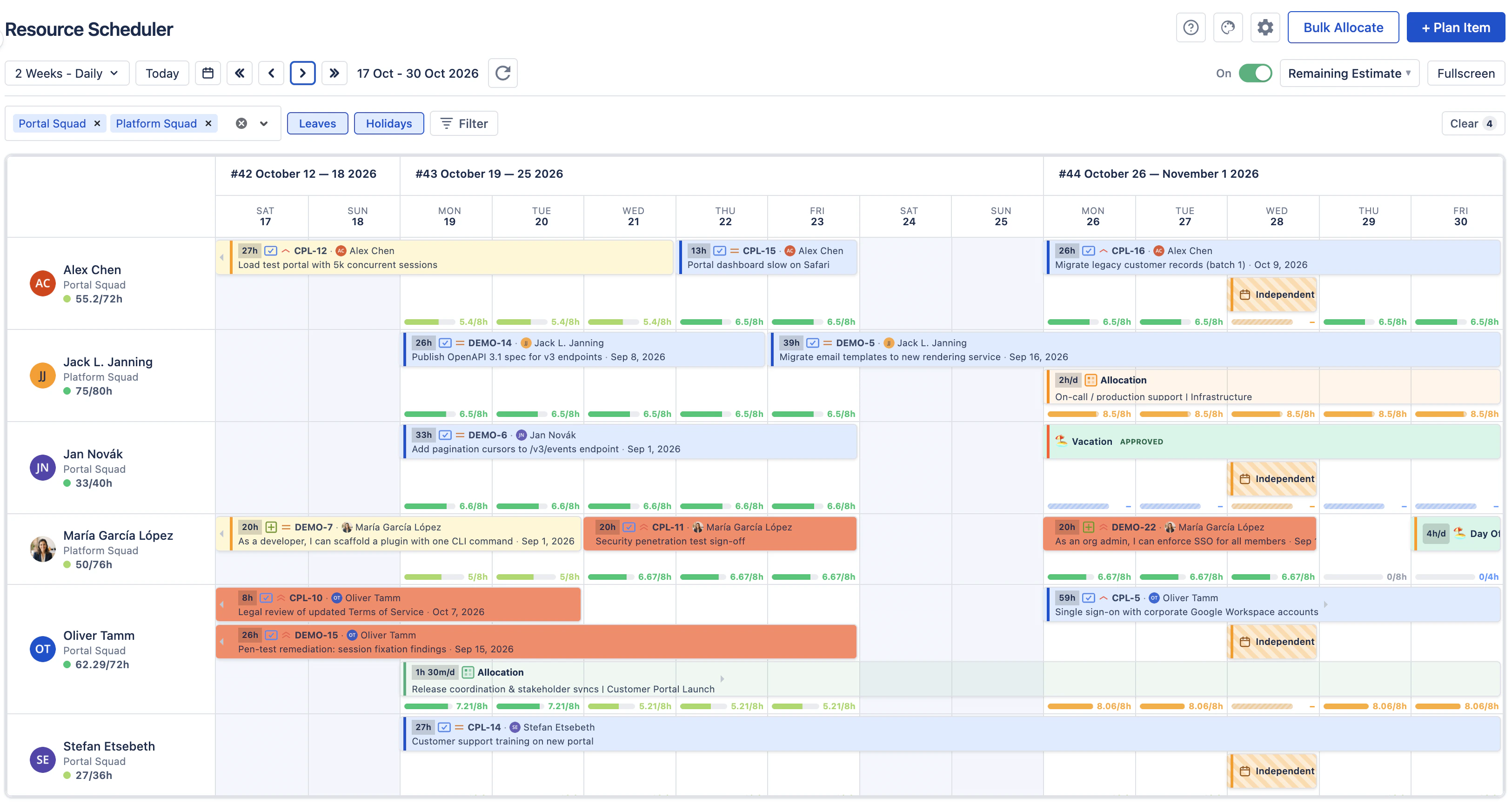
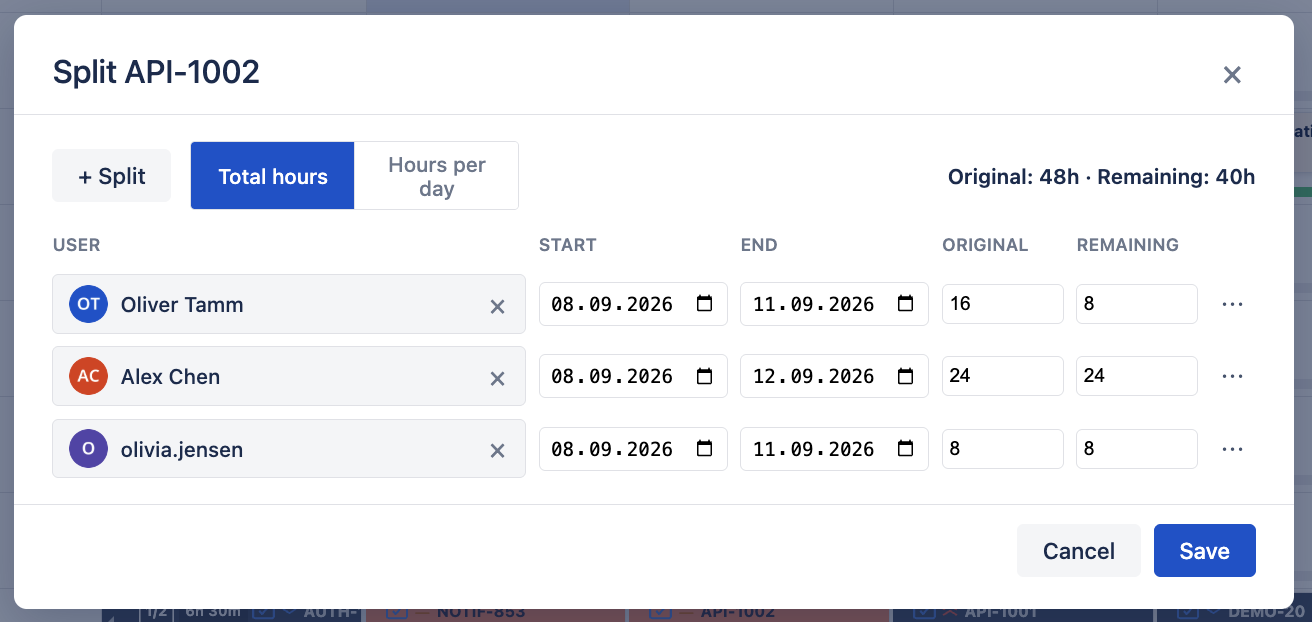
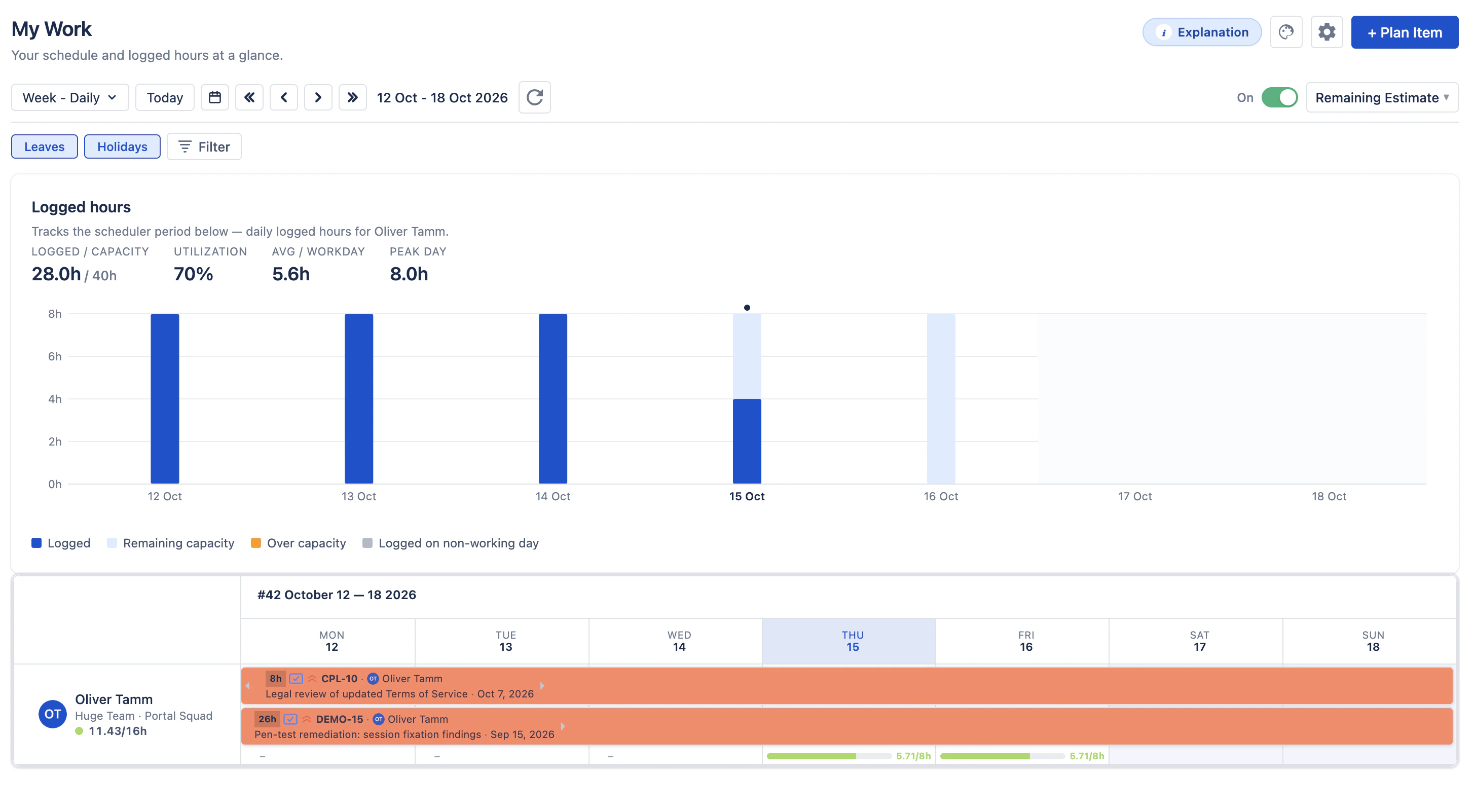
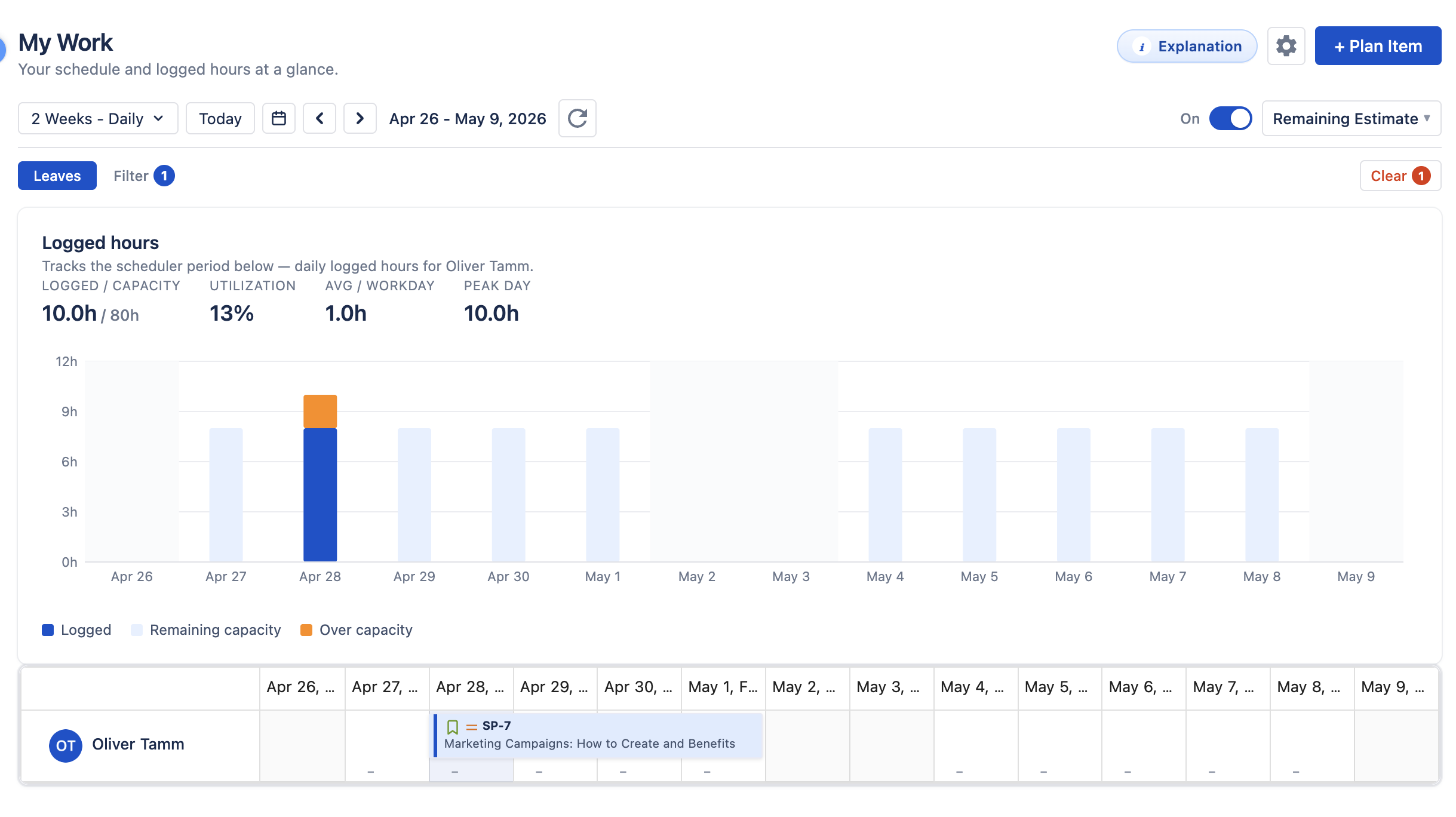
Capacity planning in Jira means comparing scheduled work with the hours your team has
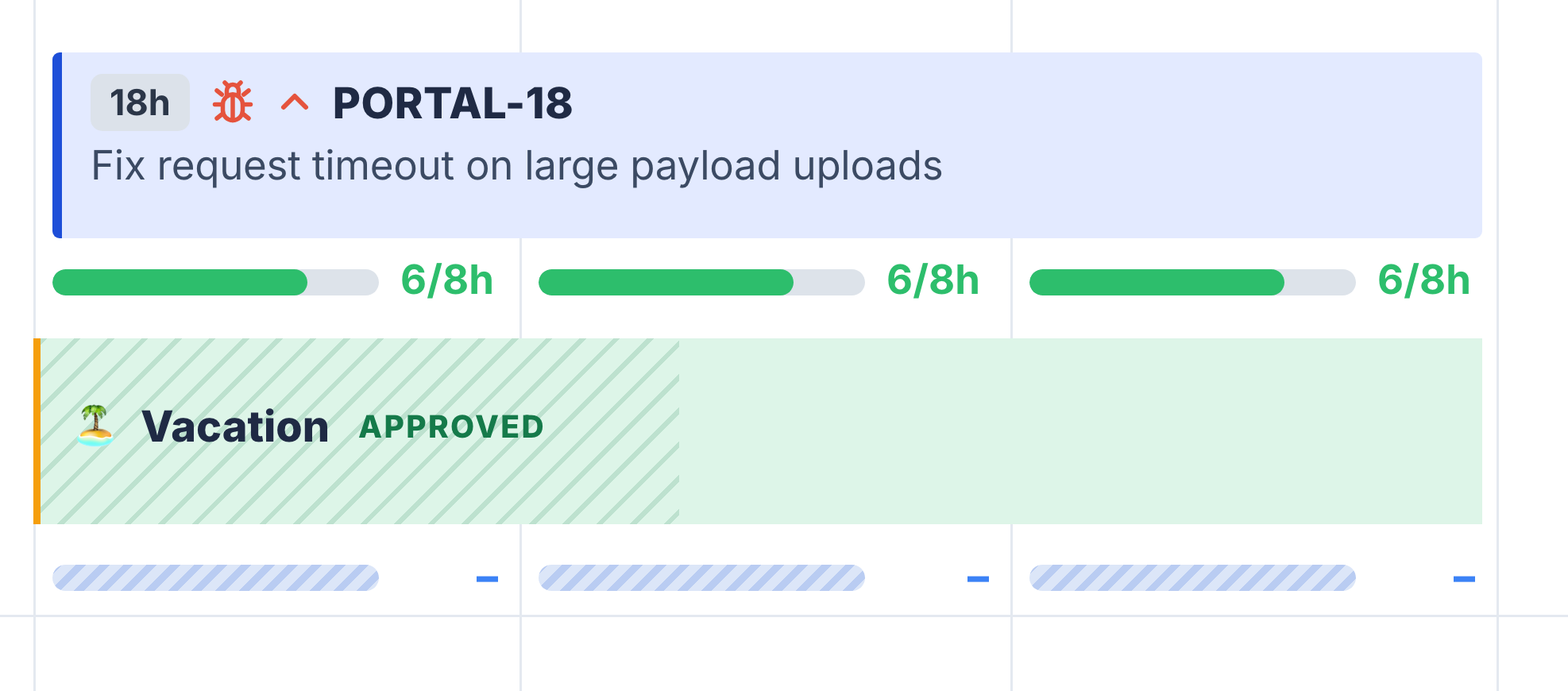
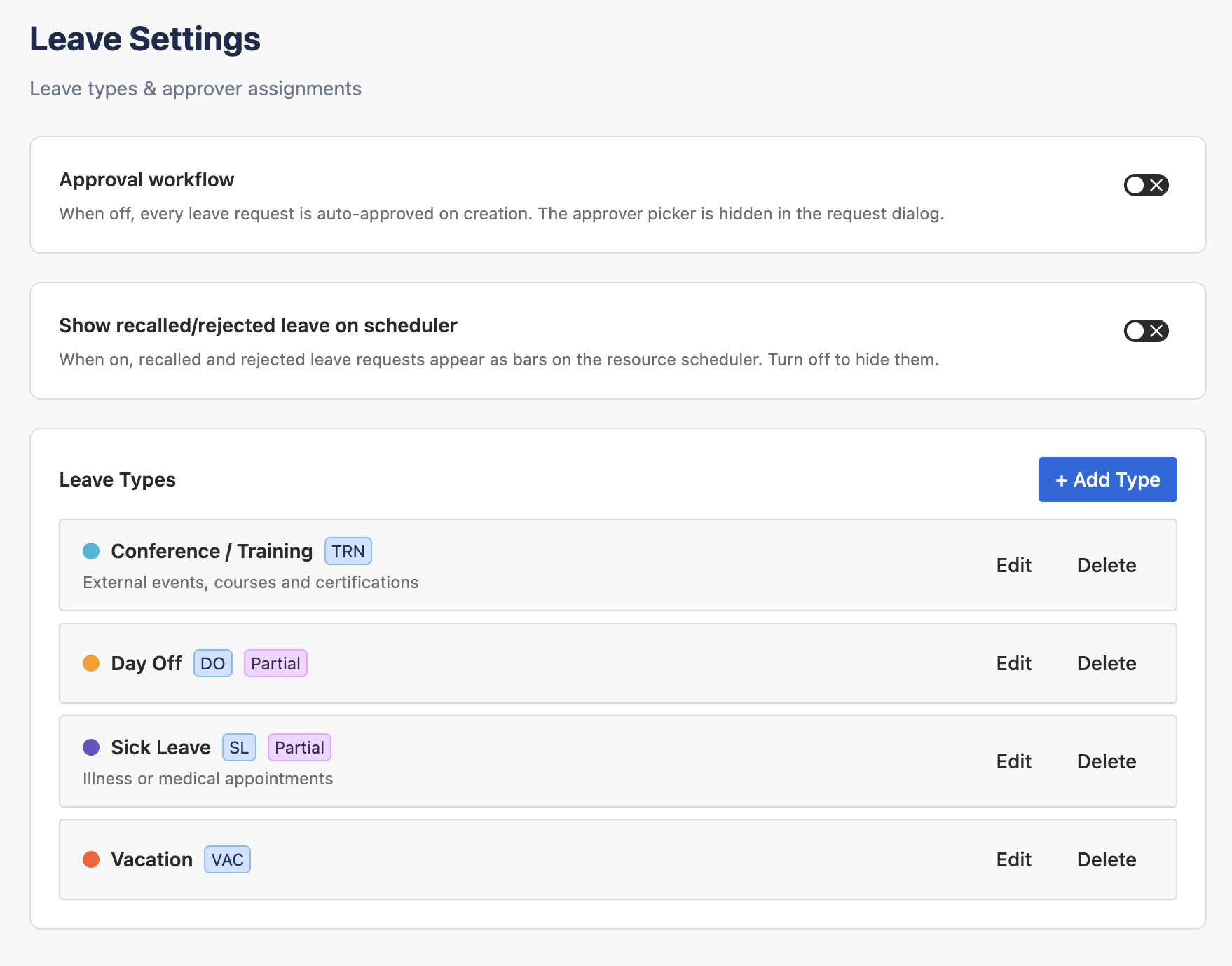
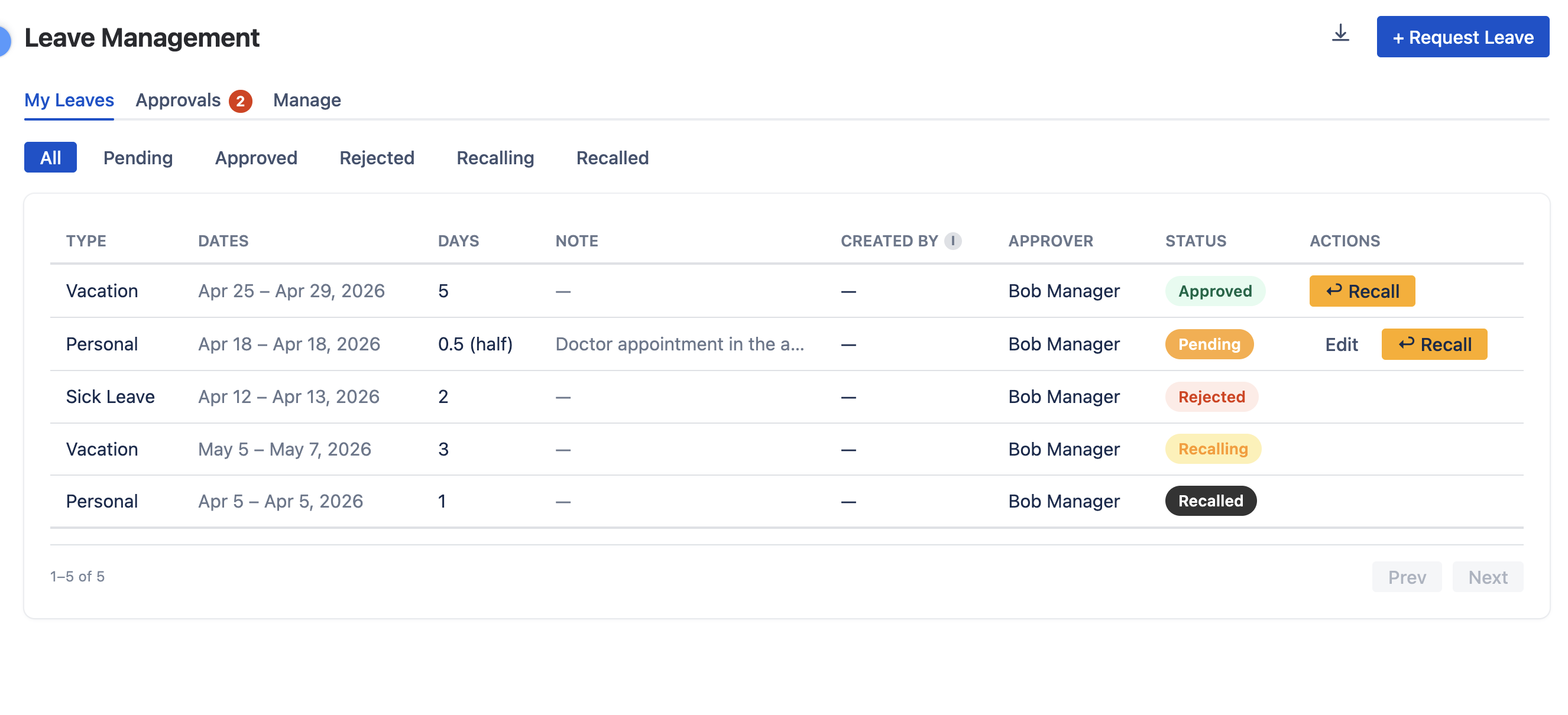
available. WorkHub calculates availability from each person's working hours, holiday
calendars, and approved leave, then compares it with scheduled work in the
Resource Scheduler.
Does WorkHub replace Jira time tracking or extend it?
It extends it. WorkHub writes worklogs against your Jira issues, so Jira reporting keeps
working. On top of that, you get a weekly grid, a live start/stop timer, a panel on the
Jira issue view, date-range filters and Excel export, plus the ability to log time
against custom allocations that are not tied to an issue.
How do part-time and compressed schedules affect Jira workload?
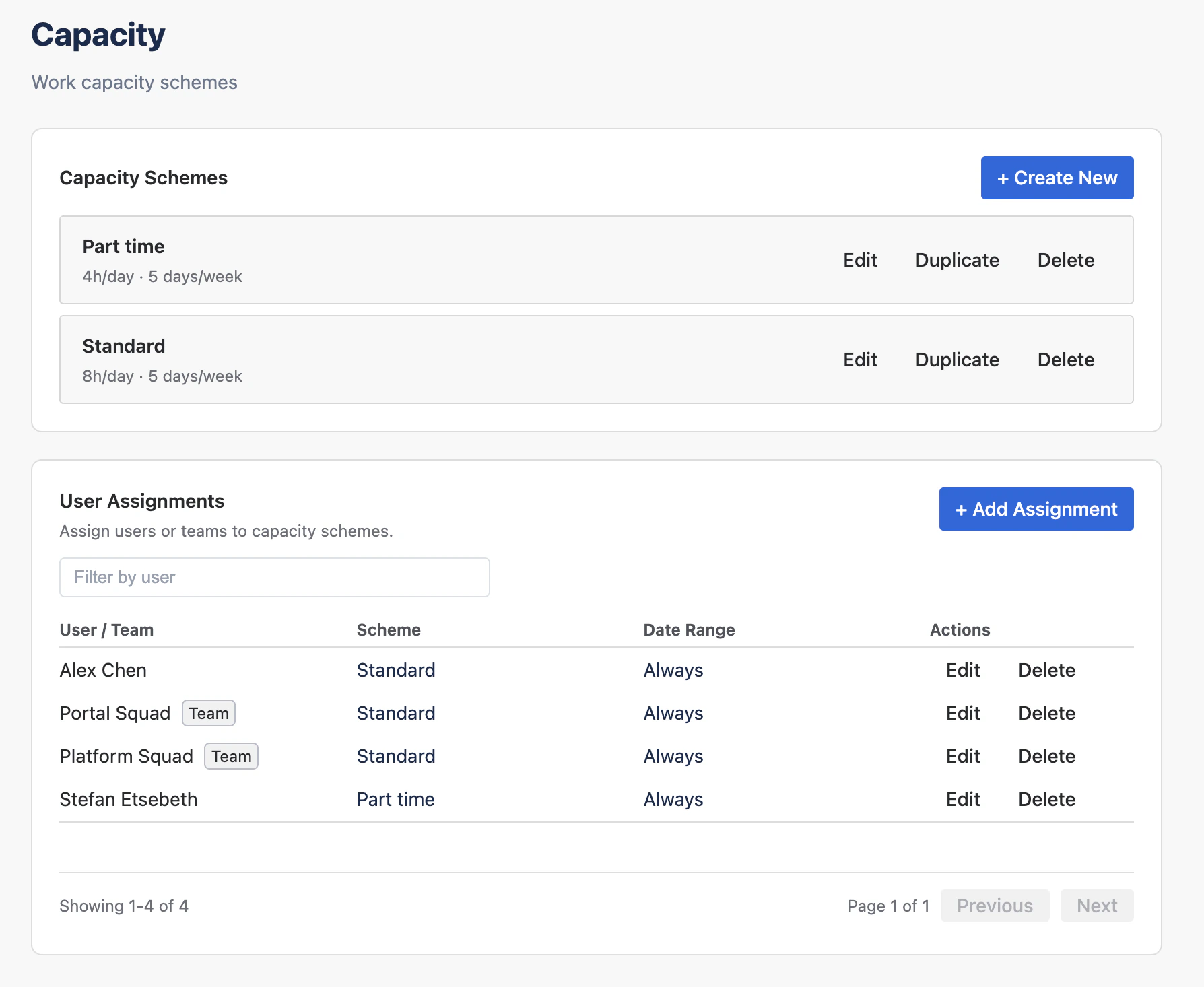
Create a capacity scheme with the real hours
for each weekday and assign it to the person. The built-in Standard Full-Time scheme is
8 hours Monday to Friday, and you can add schemes such as 4 hours Monday to Friday for
part-time or 10 hours Monday to Thursday for a compressed week. Workload percentages are
then calculated against that person's own capacity.
How does the Jira timesheet approval workflow work?
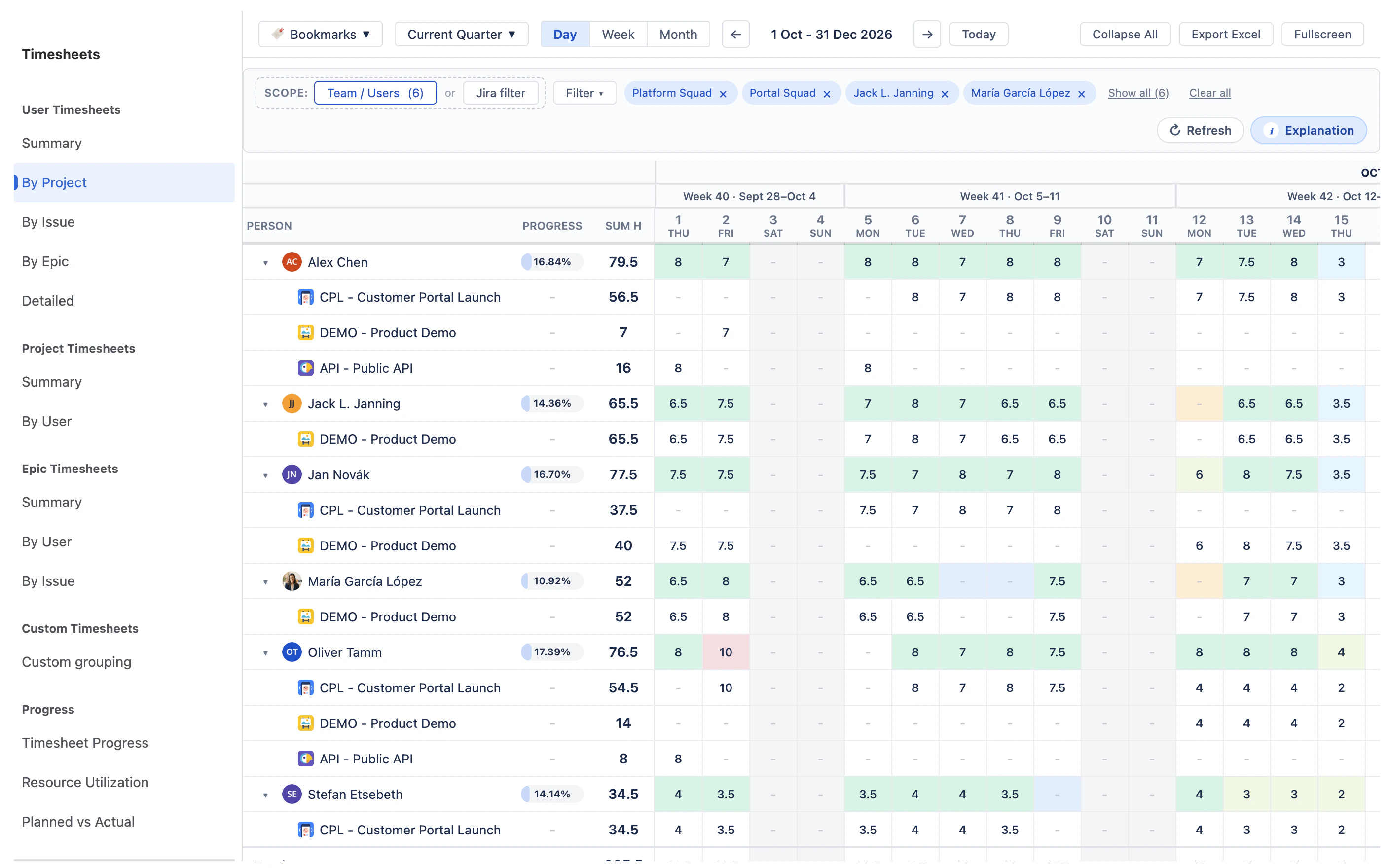
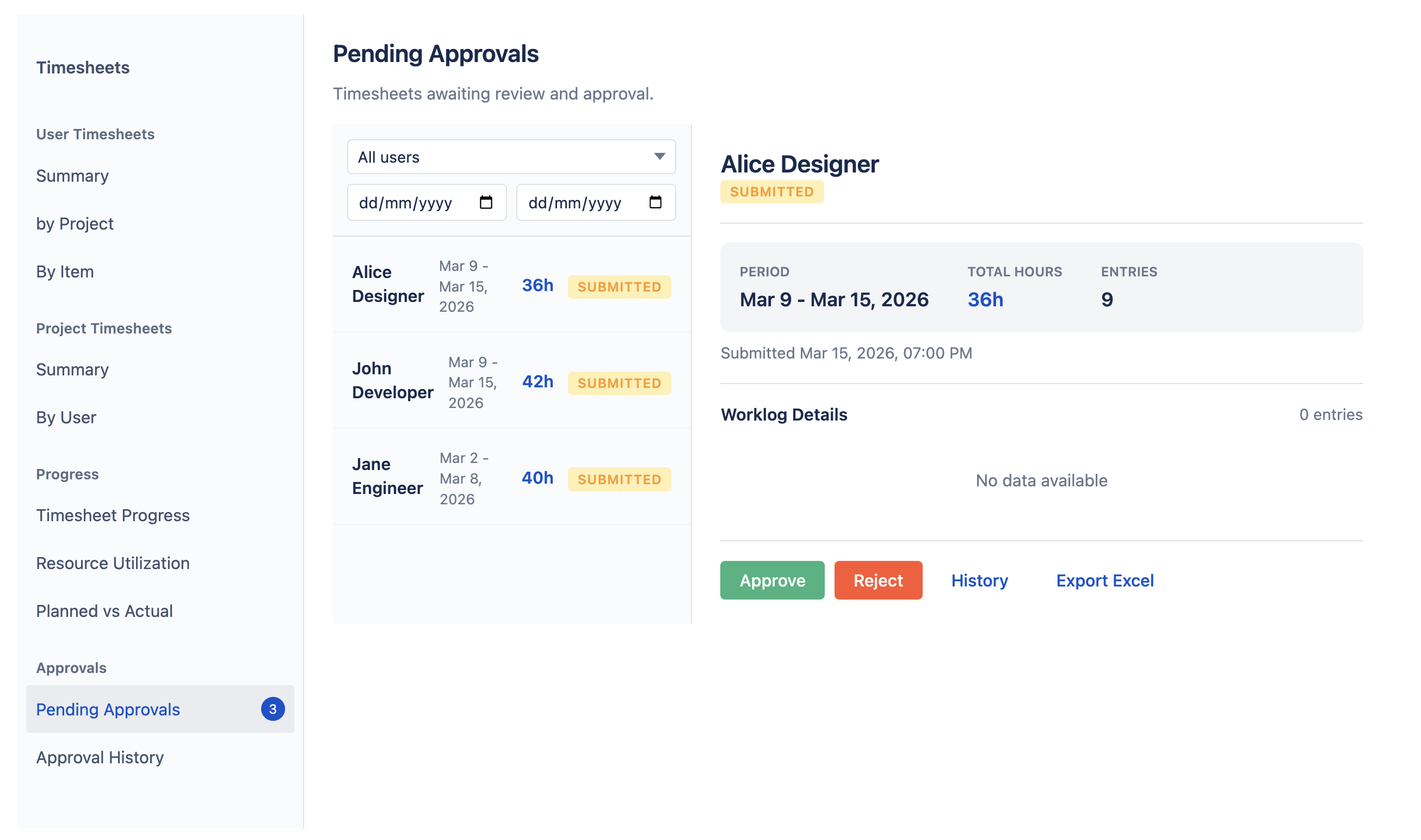
Users submit a weekly or monthly timesheet from the Timesheets module. Assigned approvers
see pending timesheets and can approve or reject them, with configurable approval rules
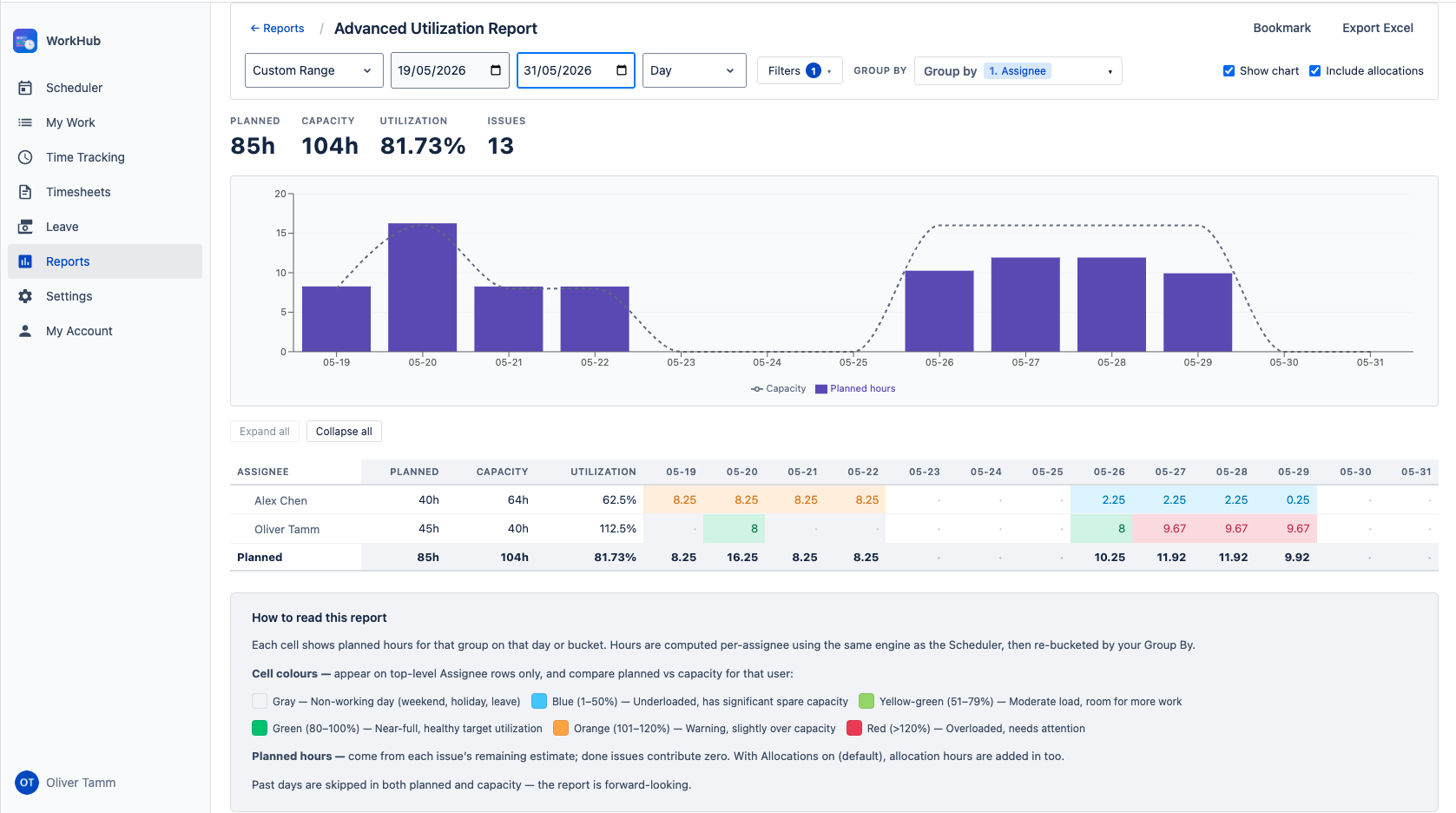
and worklog locking so approved periods stay stable. Progress views compare utilization
and planned versus actual hours.
Which Jira hosting option does WorkHub support?
WorkHub is an Atlassian Forge app for Jira Cloud. It installs from the Atlassian
Marketplace and opens from the Apps menu in your Jira navigation bar, with a full-screen
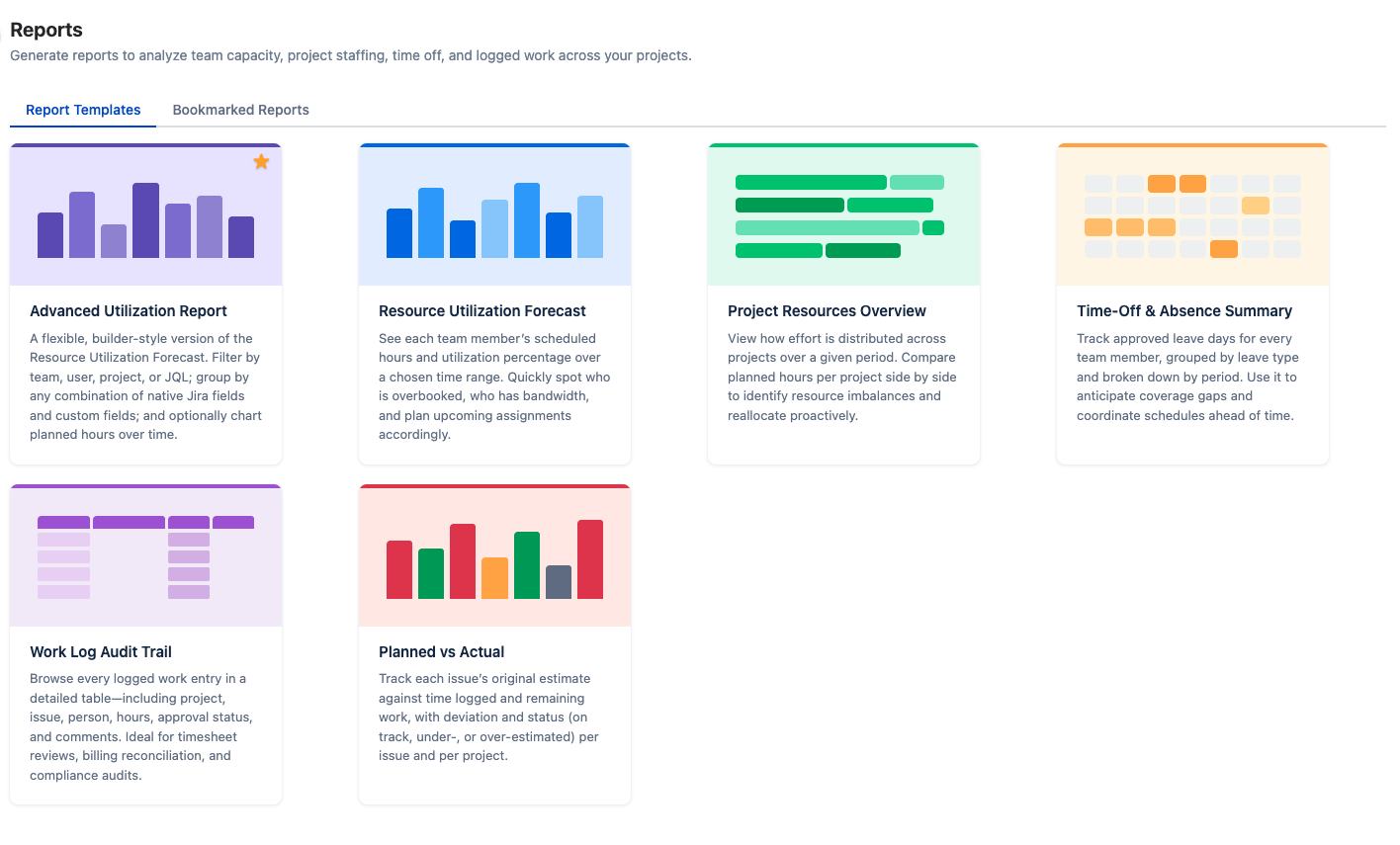
workspace containing My Work, Scheduler, Time Tracking, Timesheets, Leave, Reports,
Settings and My Account.