What Are Capacity Schemes Back to top
A capacity scheme sets how many hours a person works on each day of the week, from Monday to Sunday. WorkHub uses it to know how much time each person has, so workload indicators, timesheets and reports match their real schedule. Holidays and approved leave are taken off on top of it.

Default Scheme Back to top
People with no scheme of their own or through a team use the Default work hours per day and Default work days from Settings > General. If a scheme is marked Default, it is used for them instead; you can edit it, but you cannot delete it.
Creating a Scheme Back to top
App admins go to Settings > Capacity, click + Create New, enter a Scheme Name and the hours for each day. Common examples:

- Part-time: 4h Monday–Friday (20h a week)
- Compressed week: 10h Monday–Thursday, Friday off (40h a week)
- Weekend support: 8h Saturday and Sunday only (16h a week)
Managing Schemes Back to top
Use Edit to change a scheme, Duplicate to copy it as a starting point for a variation, or Delete to remove it. Changes apply right away to everyone using the scheme, so check the Scheduler for overbooked days after lowering hours.
Assigning Schemes Back to top
In User Assignments, click + Add Assignment, pick one or more users or teams, choose the scheme and save. A person's own assignment wins over their team's, and a team's wins over the default. Team Managers can assign schemes to the teams they manage and their members.
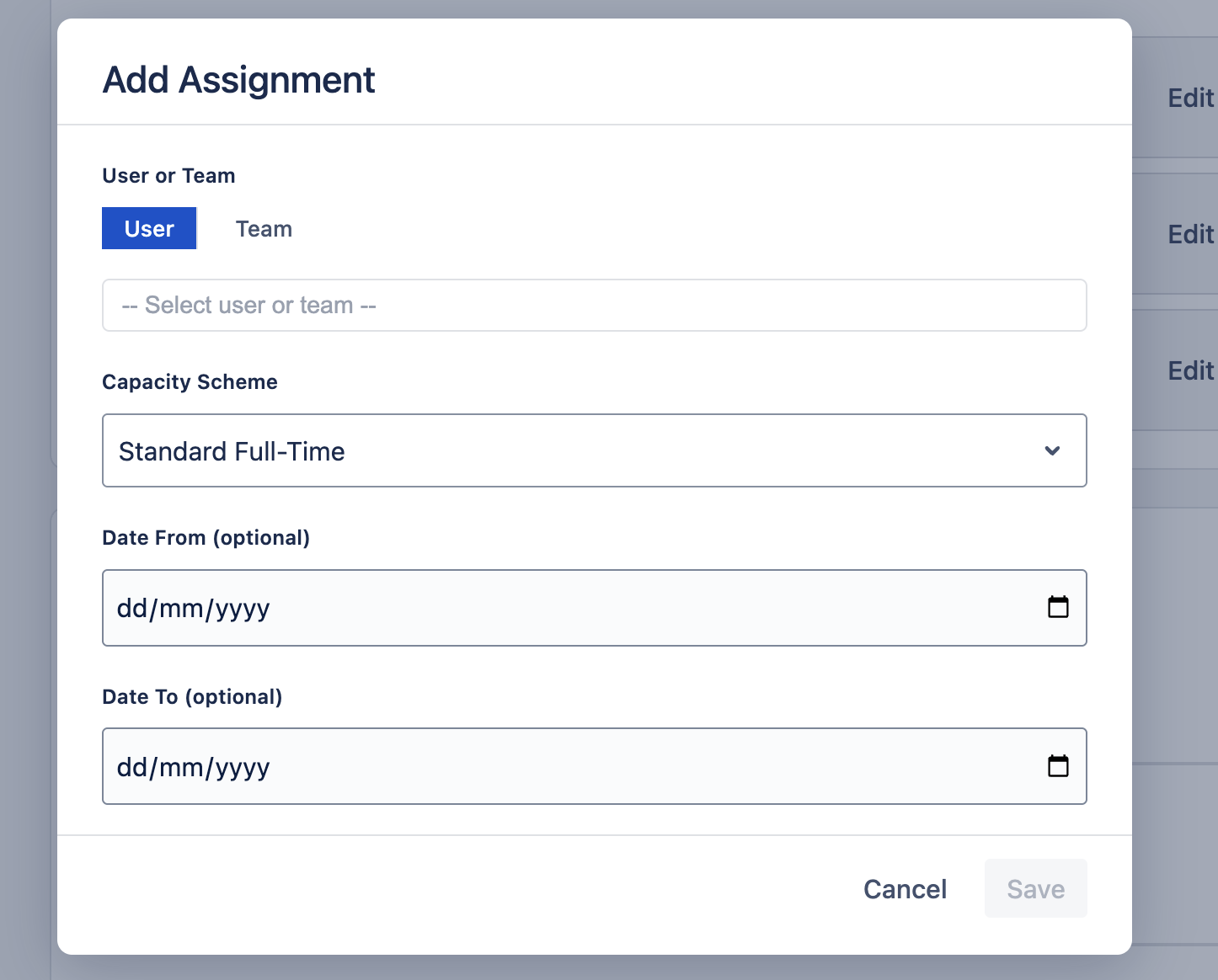
Each user or team has one assignment, shown as Always. To change it, edit the existing row instead of adding a new one. People can see their scheme on the My Account page.
Need Help?
If you have questions or need assistance with capacity schemes, our support team is here to help.
Contact Support